
This user guide provides setup, operation, safety, and technical specifications for the ASUS MQ13AH 13.3-inch OLED portable USB monitor.
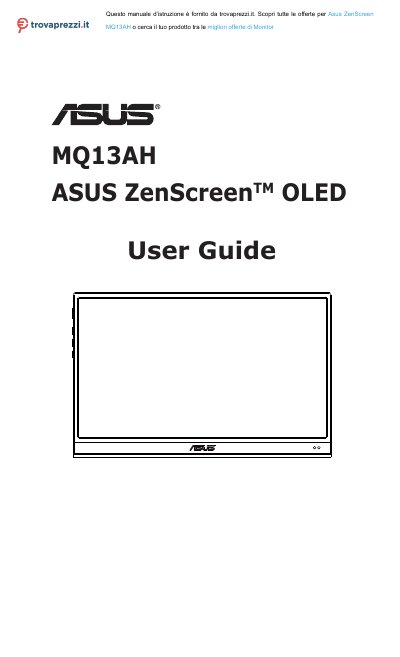
This manual covers the ASUS MQ13AH Portable USB Monitor, including package contents, product introduction, and monitor standing positions. It details how to connect the monitor to a system and explains the On-Screen Display (OSD) menu functions, such as reconfiguration and shortcut settings.
The guide also includes safety information, care and cleaning instructions, and troubleshooting steps. Technical specifications, supported timing lists, and regulatory compliance information are provided at the end of the document.
| Panel Size | 13.3" (16:9, 33.78cm) wide screen |
|---|---|
| Resolution | 1920 x 1080 |
| Brightness (Typ.) | 360nits |
| Contrast (Typ.) | 100,000:1 |
| Display Colors | 1073.7M (10bit) |
| Power Consumption | ≦ 15W |
| Operating Temp. | 0° ~ 40° |
| Net Weight | 0.49 kg |
Blue indicates ON, Amber indicates Standby mode, and Dark indicates OFF.
Press and hold the Input select Button & Shortcut Button for 5 seconds.
An afterimage of the previous screen may remain after switching the image.