
Installation guide for Allied Telesis AR2050V router with safety, cabling, and power setup instructions.
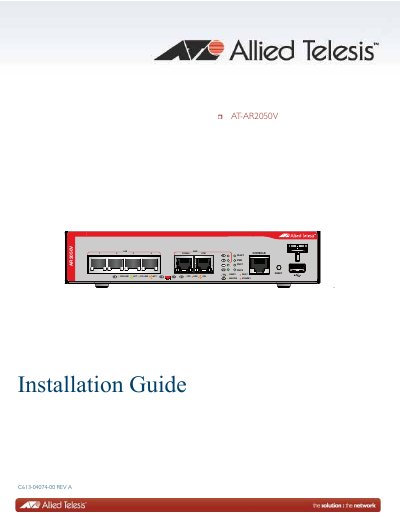
This guide provides step-by-step instructions for installing and powering on the Allied Telesis AR2050V router. It covers safety precautions, site selection, unpacking, mounting options, cabling, and troubleshooting. The document includes technical specifications such as dimensions, power requirements, and environmental ratings. It also details port configurations, LED indicators, and compliance with international standards like FCC, EN, and RoHS.
The guide is structured into chapters covering overview, installation, cabling, and troubleshooting, with appendices for technical specs and pinouts. Figures and tables illustrate hardware components, port layouts, and LED behaviors for easy reference during setup. This manual is written in Chinese.
| Dimensions | 42.5 mm x 210 mm x 220 mm (1.7 in. x 8.3 in. x 8.7 in.) |
|---|---|
| Weight | 1.8 kg (4.0 lb.) |
| Operating Temperature | 0° C to 45° C (32° F to 113° F) |
| Maximum Power Consumption | 14 watts |
| Input Voltage | 100-240 VAC, 0.9 A maximum, 50/60 Hz |
The device requires 100-240 VAC, 0.9 A maximum, 50/60 Hz.
0° C to 45° C (32° F to 113° F).