
User guide for the Alcatel F860 telephone, covering installation, calls, phonebook, call blocking, troubleshooting and technical details.
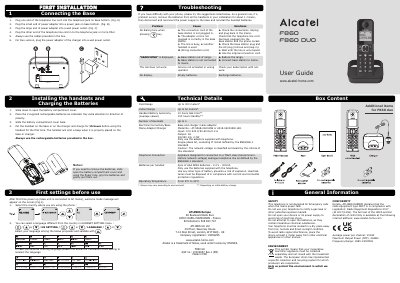
The Alcatel F860 is a telephone with a base station and handset, supplied with a mains adaptor and two AAA NiMH batteries per handset. The guide covers first installation and battery charging, making and receiving calls, phonebook and direct memories, ringer settings, paging and handset registration.
It also explains the Smart Call Block feature and gives troubleshooting, safety, environment, conformity and technical details.
| Outdoor range | Up to 300 meters |
|---|---|
| Indoor range | Up to 50 meters |
| Handset battery autonomy | 10 hours talk time; 100 hours standby |
| Number of handsets | Up to 4 |
| Mains adaptor output | 6V DC/450 mA, 2.7W |
| Batteries per handset | 2pcs of AAA NiMH batteries, 2.4 V, 300mA |
| Operating temperature | From 5°C to 40°C |
| Frequency range | 1880-1900MHz |
Charge the handset for 15 hours before using it for the first time.
The default PIN is 0000; it can be modified in the BS settings menu.
Up to 4 handsets can be used per base.
Press any keypad key on the handset to stop the ringing.