
Start up guide for Alcatel C300/C350 DECT phones, covering setup, battery charging, keys, settings, calls, phonebook, troubleshooting and safety.
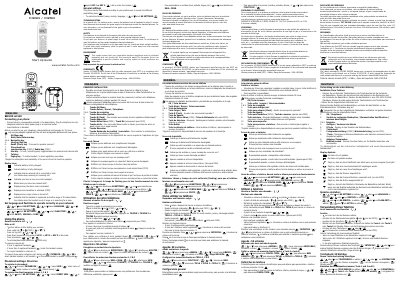
This Alcatel C300/C350 start up guide explains first-time setup, including connecting the base station, inserting batteries, and charging the handset for 15 hours before use. It describes the keypad keys, display icons, language and flash-time settings, call handling, phonebook use, troubleshooting, safety, environment and conformity information.
The document provides instructions in English, French, German, Spanish and Portuguese. It notes differences such as the C350 loudspeaker key and the C300 redial key, and states that the phonebook supports 50 entries.
| Frequency range | 1880-1900MHz |
|---|---|
| Maximum output power (NTP) | 24dBm |
| Radio equipment type | DECT |
| Phonebook capacity | 50 entries |
| Initial battery charging time | 15 hours |
| Battery type | AAA rechargeable batteries |
Charge the batteries continuously for 15 hours before you start using the telephone.
The phonebook supports 50 entries.
The stated frequency range is 1880-1900MHz.
Remove the batteries from all handsets for about 1 minute, disconnect and reconnect the power supply to the base, and reinstall the handset batteries.