
This manual provides instructions for using the Alcatel OmniPCX Office 4028 (IP) and 4029 (digital) telephones, covering call management, programming, and…
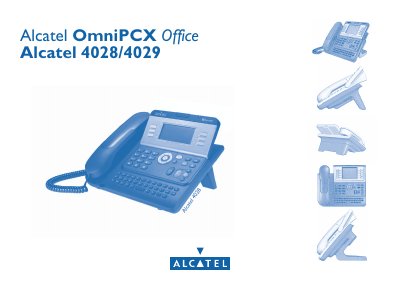
The document is a user guide for the Alcatel OmniPCX Office 4028/4029 telephone models. It details how to use the device's ergonomic layout, including the graphic screen, navigator keys, and audio functions like hands-free mode and loudspeaker.
The manual covers essential operations such as making and receiving calls, managing multiple conversations (broker calls), transferring calls, and setting up conference calls. It also explains advanced features like call diversion, filtering, personal assistants, and programming specific settings for the terminal.
The document covers the Alcatel 4028 (IP) and 4029 (digital) telephone models.
You can access the Menu page by pressing the Back/Exit key during a conversation.
A flashing green indicator light signifies an incoming call.