
User guide for the Alcatel 4019 telephone in an OmniPCX Office system, covering display keys and call handling features.
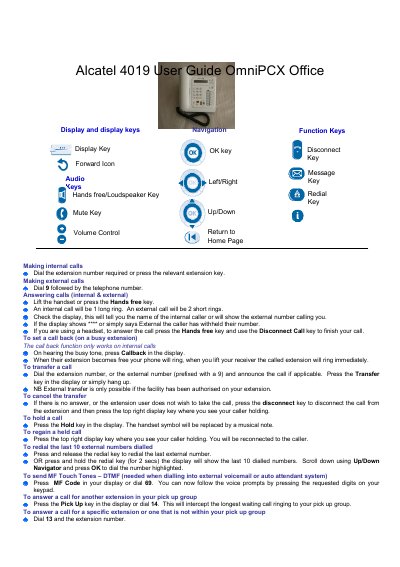
This user guide covers the Alcatel 4019 telephone used with the OmniPCX Office system. It focuses on the display and display keys, along with everyday call handling operations.
The guide explains making and answering calls, call back, transfer, hold, redial, DTMF, call pickup, conference, call park, divert, dial by name, speed dials, hunt groups, loudspeaker, ringing settings, personal speed dial, display contrast, extension identification, phone lock, text messages, and broadcast announcements.
| Ringing pattern | Internal calls: 1 long ring; external calls: 2 short rings |
|---|---|
| Redial list | Last 10 external numbers dialled |
| Default phone lock password | 1515 |
Dial 9 followed by the telephone number.
Lift the handset or press the Hands free key.
Press and release the redial key for the last number, or press and hold it for 2 seconds to choose from the last 10 dialled numbers.
Press the [i] key with the handset down, press 2, then enter the password (default 1515).