
Device driver manual for AK touch screens using the AIBUS protocol, covering hardware connections, software settings, and register addresses.
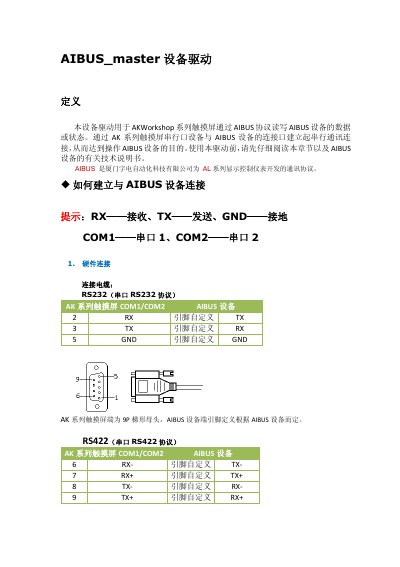
This manual describes the AIBUS_master device driver used by AKWorkshop series touch screens to read and write data or status of AIBUS devices through serial communication. It covers hardware connection methods for RS232, RS422, and RS485, software settings, default connection parameters, and supported registers with their address ranges.
The document also lists default communication settings such as baud rate, data bits, parity, stop bits, and station numbers, plus supported functions including offline simulation, online simulation, and extended mode. This manual is written in Chinese.
| Default PLC type | AIBUS Protocol |
|---|---|
| Default communication port type | RS232 |
| Default baud rate | 9600 |
| Default data bits | 8 |
| Default parity | NONE |
| Default stop bits | 1 |
| Default PLC station number | 1 |
| Default HMI station number | 0 |
RS232, RS422, and RS485 are supported.
The default baud rate is 9600.