
This manual provides instructions for installing, configuring, and using the AiM Solo 2 GPS Lap Timer for speed and performance racing.
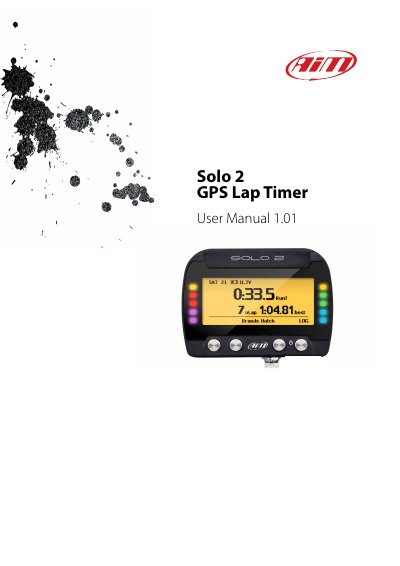
The AiM Solo 2 is a GPS lap timer featuring an integrated GPS and Glonass receiver, a large track database, and Wi-Fi connectivity. It supports two racing modes: speed and performance, and includes 10 RGB LEDs to display performance data. The device comes with a kit including power cables, mounting brackets, and Race Studio 3 software.
| GPS/Glonass Receiver | integrated |
|---|---|
| Internal Memory | four gigabytes |
| Internal Battery Life | about 4/5 hours |
| Power Source | 12V, not stabilized |
| Wi-Fi Consumption | about 100 mA/hour |
Set type of racing to Speed and circuit type to Closed, then press TRACK, CREATE, AUTOMATIC CREATION, and ENABLE.
The available time periods of inactivity are 10 minutes, 20 minutes, and 30 minutes.
Set type of racing to Speed and circuit type to Open, then manually add the start/finish line and trace the track shape.