
This manual describes the AIM X50M4PC00 Data Key, a storage device used for firmware updates and data downloads for AIM MyChron4 and related peripherals.
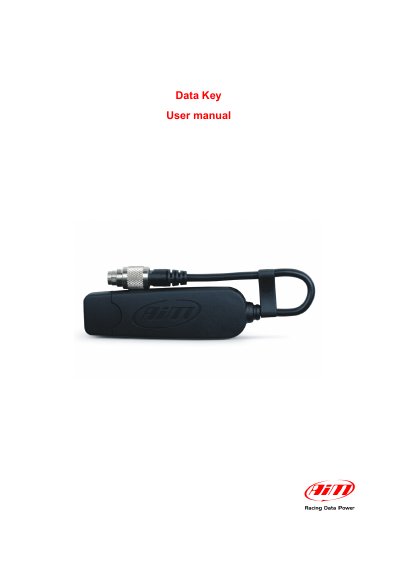
The AIM Data Key (part number X50M4PC00) is an optional storage device for the AIM MyChron4 and GPS Module, though it is included in the eBox Gold and eBox Extreme standard kits. It serves two primary functions: performing firmware updates for the MyChron4, eBox Gold/Extreme, GPS Module, and LCU-One, and downloading data stored in the MyChron4 memory. To ensure successful communication, the device must be connected to a PC with the AIM USB Driver installed via Race Studio 2 software.
The manual details the procedures for updating firmware and downloading data. For firmware updates, the user must connect the Data Key to a PC, download the firmware file, and run it to select the appropriate working mode. For data downloads, the Data Key is connected to the logger, and the system automatically checks the firmware version and working mode before activating the download procedure. Downloaded data can then be transferred to a PC by connecting the Data Key to a USB port and running Race Studio 2.
| Part Number | X50M4PC00 |
|---|---|
| Compatible Devices | MyChron4, eBox Gold/Extreme, GPS Module, LCU-One |
It is necessary to install the AIM USB Driver included in Race Studio 2 software.
It is strongly recommended to always connect the Data Key to the MyChron4 (and related network) off and after power it on.