
User guide for AEM's NSA network testing device, covering setup, test configuration, system info, language, battery, and factory reset.
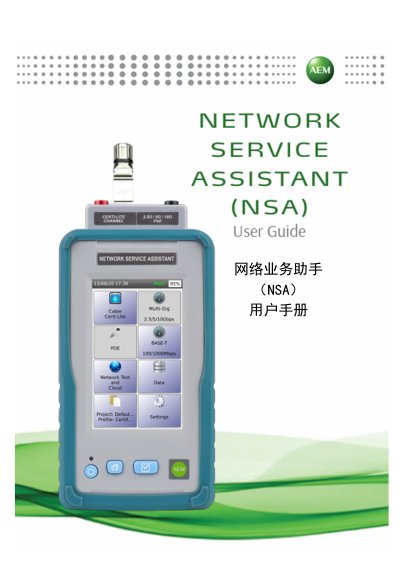
This manual provides step-by-step instructions for operating the AEM NSA network testing device. It covers settings like date/time, UI preferences, test configurations, language, and system management. The device features a lithium-ion battery, Linux OS, and supports USB and RJ45 interfaces for testing. Firmware upgrades can be performed via USB or TestDataPro software, with a warning to back up test data before upgrading.
The NSA includes features such as automatic test saving, auto-start testing, and TDR testing when diagnostic wiring errors are enabled. Battery management includes battery calibration and status monitoring. The device supports 10/100/1000M Ethernet and USB connectivity, with a 3.7V, 13200mAh battery providing up to 8 hours of operation under typical usage. This manual is written in Chinese.
| Battery Capacity | 13200mAh |
|---|---|
| Test Data Management Software | TestDataPro |
| Ethernet Interface | 10/100/1000M |
| USB Interfaces | A-type USB, Micro USB |
| Power Adapter | 5V, 3A, 2.1mm DC, supports 5-12V |
| Test Adapter Connector | 60-pin high-frequency connector, rated for 5000 insertions, hot-swappable |
| Battery Life | 8 hours (testing 200 cables per day) |
| Charging Time | 7 hours |
Select [重置电池标尺] in the Battery Information menu. The device will prompt to restart. AEM recommends charging for 12 hours before calibration.
The NSA has a 3.7V, 13200mAh lithium-ion battery that provides up to 8 hours of operation under typical usage (testing 200 cables per day).