
The Advantech TPC-66X series user manual provides product overview, specifications, installation, software setup, watchdog programming and touchscreen…
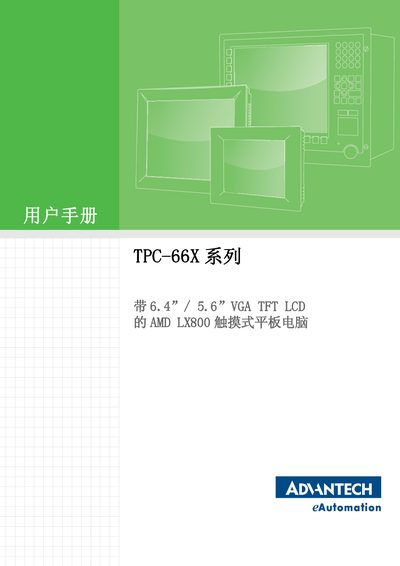
The TPC-66X series is an industrial touch‑panel computer featuring a 6.4" or 5.6" VGA TFT LCD, AMD LX800 processor and a fan‑less design. This manual guides users through hardware installation, system configuration and operation of Windows XP Embedded or Windows CE.
Key sections cover detailed product specifications, I/O interface layout, power and fuse information, serial‑port and watchdog timer settings, touchscreen driver installation and calibration, as well as accessory assembly steps and safety instructions. This manual is written in Chinese.
| CPU | GeodeLink LX800 500 MHz |
|---|---|
| BIOS Flash | Award 512 KB |
| Ethernet Controller | Realtek RTL8100BL compatible, IEEE 802.3u |
| LCD Resolution | 640 × 480 VGA |
| Touchscreen Resolution | 1024 × 1024 |
| Operating Temperature | 0 ~ 50 °C (32 ~ 122 °F) |
| Fuse Rating | 250 VAC, 3.15 A, 5 × 20 mm |
It comes with a two‑year warranty from the date of purchase, which does not cover products repaired by unauthorized personnel.
The device has two serial ports: RS‑232 (COM1) and RS‑232/422/485 (COM2) or CAN‑BUS on the TPC‑662G variant.
The unit operates between 0 °C and 50 °C (32 °F to 122 °F).
Remove the fuse cover, insert a new fuse of the same rating, and replace the cover.