
This user manual provides installation, operation, and troubleshooting instructions for the ActionTec CS-64A 4-port KVM switch.
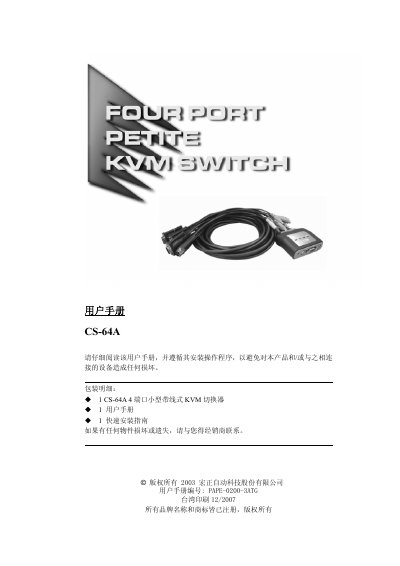
The ActionTec CS-64A is a compact 4-port KVM switch designed to allow control of four computers from a single keyboard, monitor, and mouse. It features an integrated KVM cable set, audio support, and a hot-key interface for seamless switching between hosts without requiring software installation. The device supports high video resolutions up to 2048x1536 and is compatible with various operating systems. This manual is written in Chinese.
| Video Resolution | 2048×1536 |
|---|---|
| Scan Interval | 5 seconds |
| Operating Temperature | 0-50°C |
| Weight | 0.9 kg |
| Dimensions | 8.95×7.19×2.6 cm |
No, the device does not require software installation or a CD-ROM.
The device supports a maximum video resolution of 2048×1536.
The automatic scan function cycles through the four ports at a time interval of 5 seconds.
The unit measures 8.95×7.19×2.6cm in length, width, and height, and weighs 0.9 kilograms.