
Key facts
- Manuals
- 1
- Languages
- ZH
- Last added
- 2000-01-01
Featured 宏正自动化 manuals
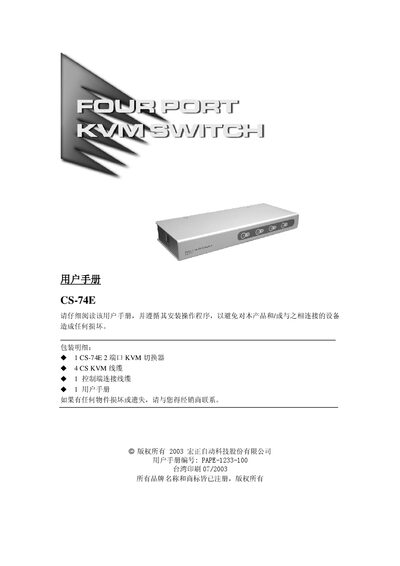
宏正自动科技 CS-74E User Manual
The CS-74E KVM switch lets a single keyboard, mouse and monitor control up to four computers. It uses custom SPHD‑15 connectors to reduce cable clutter and offers both manual port buttons and hot‑key combinations for switching.
Installation is straightforward: connect the supplied cables to the control and CPU ports, optionally attach an external DC9V power adapter, and follow the hot‑key or button procedures to select the active computer. The manual also includes hardware requirements, specifications, and a troubleshooting guide. This manual is written in Chinese.
Covers: Overview · Features · Hardware Requirements · Cables · Components · Installation
Latest 宏正自动化 manuals
宏正自动科技 CS-74E User Manual
User Manual 16 pages · 359 KB · ZHUser manual for the CS-74E 2‑port KVM switch by 宏正自动科技股份有限公司, covering installation, operation, and troubleshooting.
Which document do I need?
User Manual
Day-to-day operation, settings and troubleshooting. Start here if the product is already set up.
Questions answered in 宏正自动化 manuals
How do I manually select a port on the CS‑74E?
Press the port selection button on the front panel to switch the KVM to the desired computer; the corresponding LED will light up.
What is the hot‑key sequence to activate a port?
Hold the Num Lock key, then press and release the asterisk (*) or minus (‑) key within 1.5 seconds, then release Num Lock.