
This document is a user manual for the Acer ICONIA TAB A500 tablet, describing the features and functions of the product.
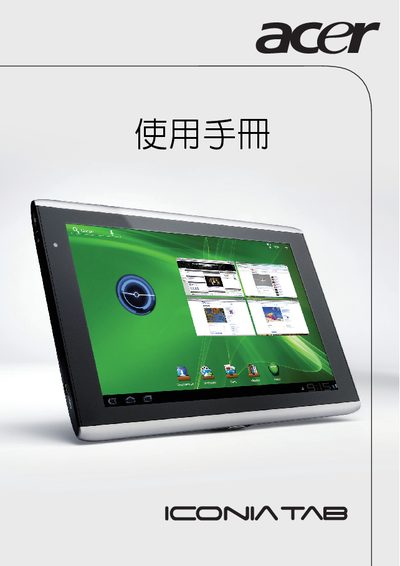
The Acer ICONIA TAB A500 manual provides an overview of the tablet’s hardware, including its 1280 × 800 display, connectivity options such as Wi‑Fi, HDMI, and USB, and basic operation instructions. It also contains safety guidelines and regulatory compliance details required for market approval.
Additional sections include the Declaration of Conformity with European standards, FCC identification, and warranty information, helping users understand the product’s certifications and support resources.
| Model | A500 |
|---|---|
| Display resolution | 1280 × 800 |
| FCC ID | HLZTMDMAS500 |
The model number is A500.
The tablet features a 1280 × 800 pixel display.