
User guide for the ABB XT2-XT4 Ekip TT trip test unit, covering LED checks, battery replacement, and trip testing procedures.
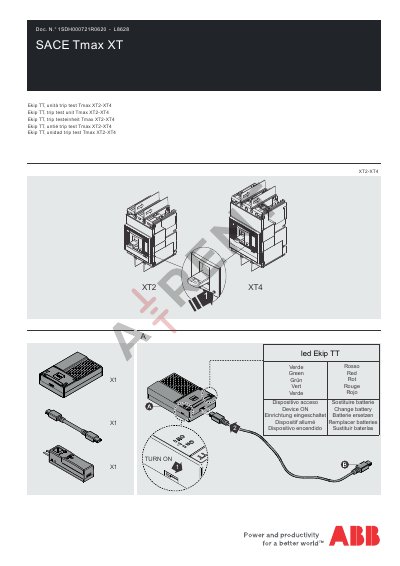
This manual provides instructions for operating the ABB XT2-XT4 Ekip TT trip test unit. It explains how to turn the device on, check LED indicators, replace batteries, and perform trip tests. The unit is designed to test relays and includes multilingual support for various languages.
The manual also includes diagnostic procedures for verifying relay LED status and checking stored trip history. Safety warnings are provided, such as not removing or installing components while connected to the relay.
Turn the device on using the access button. The green LED will light up to indicate it is powered on.
The red LED indicates the device is powered on and ready for trip testing.
All LEDs in the relay must come on during diagnostic check.