
User manual for ABB's MotiFlex e180 servo drive, covering safety, mechanical and electrical installation, startup, maintenance, and troubleshooting.
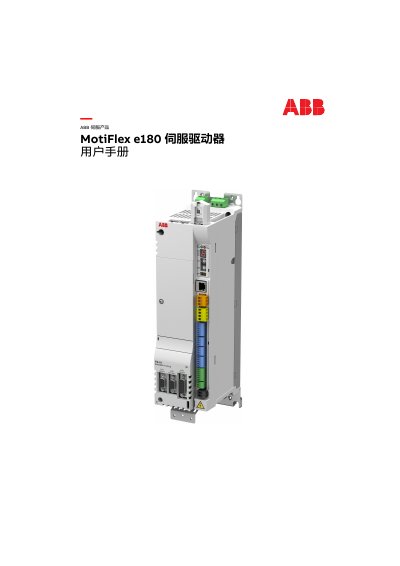
This document is the user manual for the ABB MotiFlex e180 servo drive, providing step-by-step instructions for installation, electrical connections, startup procedures, maintenance, and troubleshooting. It includes safety guidelines, mechanical mounting details, wiring diagrams for power and control cables, feedback module connections, and configuration using Mint WorkBench. The manual also covers maintenance tasks like replacing cooling fans and charging capacitors, as well as technical specifications and compliance certifications. It is intended for technicians and engineers responsible for installing and maintaining the servo drive in industrial applications. This manual is written in Chinese.
| Input Voltage | 200-480 V AC |
|---|---|
| Output Frequency | 0...500Hz |
| Cooling Method | Air-cooled |
| Frame Size | C |
Control cables are connected to specific terminals: X7 for analog inputs, X8 for analog outputs, X2-X6 for digital I/O, X1 for relay output, X9 for external power, and X10 for thermistor input.
The storage unit stores firmware and parameters for the servo drive and contains the Mint programming software. It must always be present and should not be frequently removed or inserted.
Perform an initial check by verifying the power supply, connecting to a computer, installing Mint WorkBench, and using the debugging wizard to configure and test the drive.