
User manual for the A4Tech G7-750 wireless mouse covering hardware installation, software setup, button programming, DPI settings, and troubleshooting.
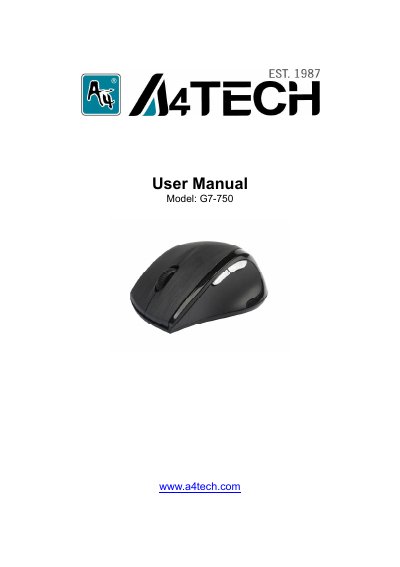
This manual provides instructions for the A4Tech G7-750 wireless mouse, including hardware installation steps such as connecting the Nano-receiver and inserting batteries. It details the plug-and-play nature of the device and explains how to power it on and off.
| RF Data Transmit Rate | 500k bps |
|---|---|
| Frequency | 2.407GHz ~2.473GHz |
| Modulation Type | GFSK |
| ID Codes | 524,288 sets |
No driver is required as the wireless mouse is plug-and-play.
Right-click the taskbar icon, select 'Pair ID Program', and press 'Start Pair ID'.
The mouse supports 500Hz (2ms), 250Hz (4ms), and 125Hz (8ms) report rates.