
CE252 KVM Extender User Manual, including product features, functions and usage instructions
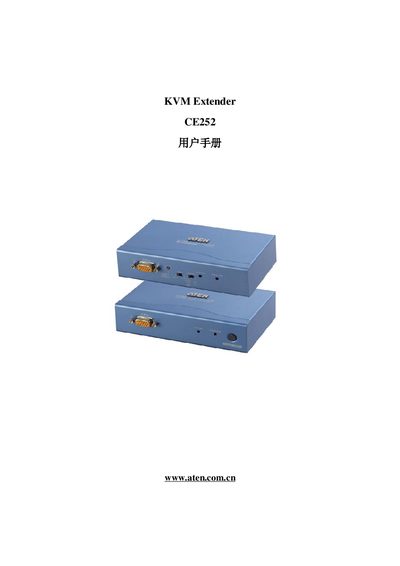
This manual covers the ATEN CE252 KVM Extender, a device that extends keyboard, video, and mouse signals over long distances. It includes information on product features, safety notices, and required accessories.
The guide explains how to install the extender, connect the KVM units, configure settings, and perform basic troubleshooting. Contact information and support URLs are also provided for further assistance.
The model number is CE252.
Support is available at http://support.aten.com and the ATEN website.