
This document provides instructions on configuring the system board of Dell Latitude D630c computer and replacing the base. When replacing the base, a label indicating the management mode should be affixed. The label is included in the base kit. It is important to affix the correct label to the new base.
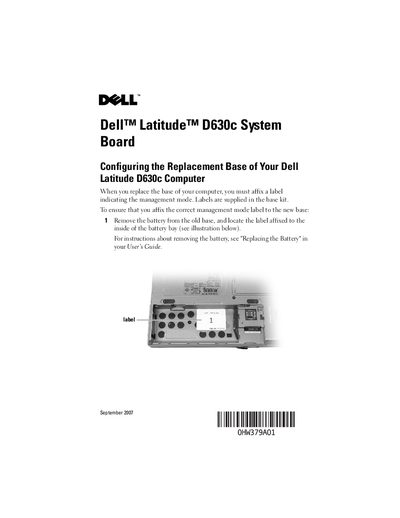
The document provides step‑by‑step instructions for configuring a replacement base on the Dell Latitude D630c. It explains how to locate the management‑mode label inside the battery bay and how to record its number.
After noting the label number, the guide shows how to align and attach the matching label from the base kit to the new base, ensuring proper orientation. Legal and copyright notices are included at the end of the document.
Remove the battery from the old base and look inside the battery bay for the label.