
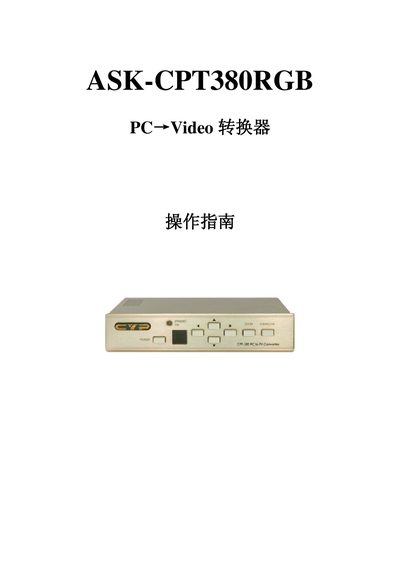
The ASK CPT380 is a PC‑to‑Video converter that transforms PC or HDTV signals into composite, S‑Video or component outputs for use in video conferences, home theater, or display systems. It supports high‑resolution PC input up to UXGA (1600×1200@60 Hz) and HDTV input up to 1080i@60 Hz, with selectable NTSC/PAL output formats.
The manual explains front‑panel functions, remote control operation, and RS‑232 software control. It details how to adjust image parameters such as contrast, brightness, color, and sharpness, as well as how to use zoom, pan, and scaling features. Connection, installation, and power requirements are also covered. This manual is written in Chinese.
| PC input resolution | UXGA (1600×1200) @ 60 Hz |
|---|---|
| HDTV input resolution | 1080i @ 60 Hz |
| Input interfaces | PC (CHD‑15), HDTV/SDTV (3RCA) |
| Output interfaces | Composite video (3RCA), S‑Video, Component (3RCA/YCbCr) |
| Power supply | DC 5 V / 2 A |
| Dimensions (W×D×H) | 204 mm × 155 mm × 50 mm |
| Weight | 1 kg |
| Control methods | Front panel, IR remote, RS‑232 |
Press the NTSC/PAL button to choose NTSC or PAL output format.
Press the system reset button to restore all parameters to the factory defaults.