
Two-page user guide for the 9450 system: set/unset, omit zones, test bells, walk test and change the user code.
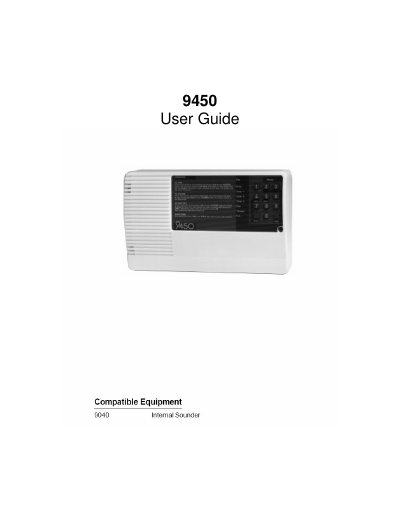
This is a short user guide for the 9450 system. It lists the user commands needed to set or unset the system, omit a zone or part set, test the bells, run a walk test and change the user code, and it names the 9040 Internal Sounder as compatible equipment.
Each command is given as a key sequence entered with the user code. The bell test makes the system activate the internal sounder for three seconds and then the external sounder for three seconds, and the walk test is ended by keying in the user code.
| Compatible equipment | 9040 Internal Sounder |
|---|---|
| Bell test - internal sounder duration | Three seconds |
| Bell test - external sounder duration | Three seconds |
Key in 4 + ENTER + User code. The system activates the internal sounder for three seconds, followed by the external sounder for three seconds.
Key in 5 + ENTER + User code, and key in the User code again to end the test.
Key in 6 + ENTER + current user code, then the new user code followed by ENTER.
Enter the User code. To omit a zone or part set, use User code + 2 + Omit and/or 3 + Omit.