
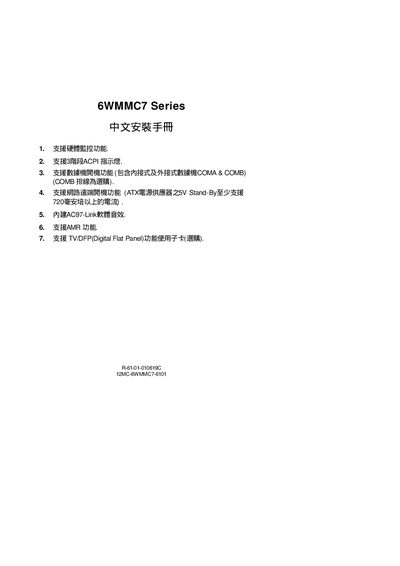
This guide provides step‑by‑step instructions for installing the GBT 6WMMC7 motherboard. It covers CPU socket selection, jumper configuration for power‑saving modes, and connections for peripherals such as PS/2 mouse/keyboard, USB, and infrared ports.
The document also includes an appendix with driver installation procedures for the built‑in Aureal AU8810 audio chip and compliance statements for FCC and CE regulations. This manual is written in Chinese.
| Supported power‑saving feature | Suspend to RAM |
|---|---|
| Hardware monitoring | Supported |
| CPU socket type | Celeron™ Socket 370 |
| Power‑saving jumper | GN jumper |
Press the left or right button of the PS/2 mouse twice after enabling the PS/2 mouse power‑on function in the BIOS.
The GN jumper is used to enable or disable the power‑saving function.
It uses a Celeron™ Socket 370 processor socket.