
Key facts
- Brand
- 6WMMC7
- Model
- 6WMMC7 Series
- Category
- Other Computer Accessories
- Documents
- 4
- Languages
- ZH
- Last added
- 2012-03-23
Start here
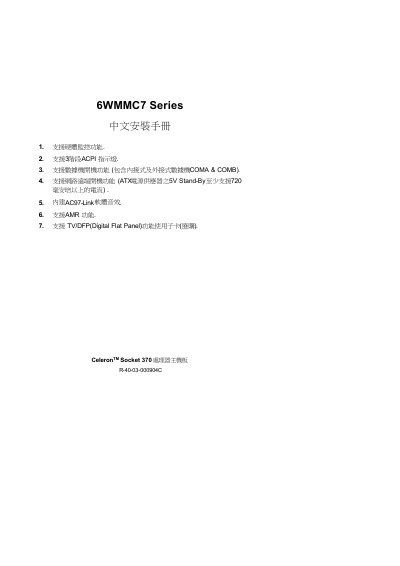
6WMMC7 Series Celeron Socket 370 CPU main-board Installation Guide
This manual provides step‑by‑step instructions for installing the 6WMMC7 GA-6WMMC7 motherboard, configuring jumpers for CPU speed, power‑saving features, and peripheral connections. It also includes a quick‑install section, detailed BIOS setup procedures, and a BIOS update guide.
Additional sections cover ACPI three‑stage LED indicators, remote‑boot requirements, FCC compliance information, and troubleshooting tips for common setup issues. This manual is written in Chinese.
6WMMC7 Series specifications
| Supported CPU Frequencies | 66 MHz, 100 MHz, 133 MHz |
|---|---|
| CPU Socket | Celeron Socket 370 |
| Chipset | Intel 82810E (GMCH) |
| Audio Interface | AC97 |
| IDE Hard Disk LED | Active LED indicator |
| PS/2 Connector | Mouse & Keyboard connector |
| Infrared Connector | Infrared / Commercial Infrared connector |
Source: GBT GA-6WMMC7 Installation Guide
All 6WMMC7 Series documents by type
Mounting, wiring and first power-up. Read it before the hardware goes in.
Questions answered in these manuals
What CPU frequencies does the GA-6WMMC7 motherboard support?
It supports 66 MHz, 100 MHz, and 133 MHz CPU clock speeds.
Which chipset is used on the GA-6WMMC7 motherboard?
The board uses the Intel 82810E GMCH chipset.
How can I power on the computer using a PS/2 mouse?
Press the left or right button of the PS/2 mouse twice after enabling the PS/2 mouse power‑on function in the BIOS.
Which jumper controls the power‑saving mode?
The GN jumper is used to enable or disable the power‑saving function.
How can I power on the computer using the PS/2 mouse?
Press the left or right button of the PS/2 mouse twice after enabling the PS/2 mouse power‑on option in the BIOS.
Which jumpers set the CPU frequency?
Use jumpers JP5 and JP23 to select 66 MHz, 100 MHz, 133 MHz, or Auto settings for the system clock.