
RSM software installation and quick use guide, introduces software download, installation and use methods
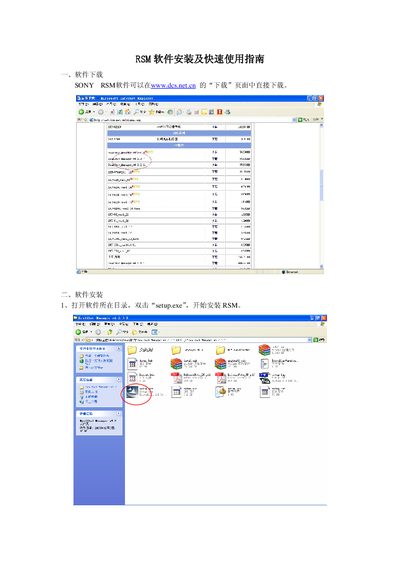
The guide explains how to download the Sony RSM software from the DCS website, run the setup.exe installer, choose the installation path, select the installation type (server or client), and install the required PostgreSQL database. It also notes that the default installation folder is C:\Program Files\SONY\Sony RealShot Manager.
After installation, the manual provides a quick‑start usage section, including how to launch the software, register it, and configure camera parameters. If the software is not registered, an evaluation mode is available, and users are directed to the separate registration manual for full activation. This manual is written in Chinese.
| Software version | v4.2 |
|---|---|
| Default installation path | C:\Program Files\SONY\Sony RealShot Manager |
Open the folder containing the software, double‑click “setup.exe”, and follow the InstallShield wizard steps.
The program will show a registration screen; you can use the evaluation mode or follow the “Software Registration” manual for full activation.