
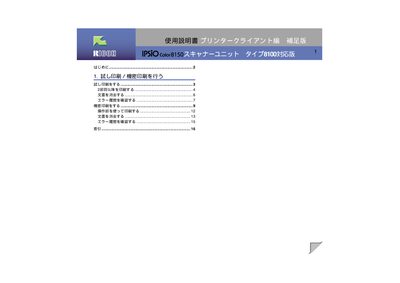
Ricoh IPSIO Color8150 User Manual


Ricoh IPSIO Color8150 User Manual - cover page
Brand
Ricoh
Category
Printer
Document type
User Manual
Language
Japanese
Pages
18
File format
PDF
File size
346 KB
Published
04 November, 2011
Updated
29 September, 2023
MD5 checksum
6927415DEC9750E037C2FB7C1AE9B67A

About this manual

This manual explains how to install and configure the IPSIO Color8150 printer, including initial user‑ID setup, test (試し印刷) and confidential printing, and how to adjust copy counts. It also covers basic operation using the printer’s control panel and driver settings.

Additional sections describe how to view and clear the error history, delete stored documents from the extended HDD, and obtain support through Ricoh’s call centre and service network. This manual is written in Japanese.

What's inside

  • Introduction
  • Test Print / Confidential Print
  • Initial Settings
  • Print Instructions
  • Document Deletion
  • Error History
  • Contact Information
Download PDF (346 KB)

More Ricoh Manuals


View all Ricoh manuals →