
This document is the user's guide for the Sony Ericsson T312 mobile phone, providing information on the phone's basic functions, personalization settings, making calls, setting up WAP and email, messaging, using WAP, additional features, security, and troubleshooting.
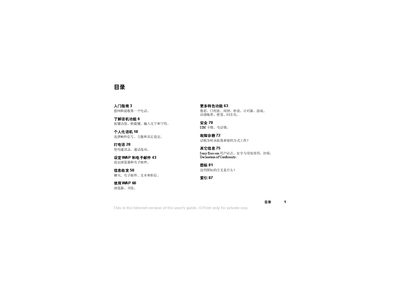
This user guide covers everything you need to know about the Sony Ericsson T312 mobile phone. It includes sections on getting started, phone functions, personalization options, making calls, configuring WAP and email, messaging, and additional features such as Dynamic Zone and synchronization.
Key topics include SIM card and battery installation, power‑up procedures, keypad shortcuts, full‑text input methods, and safety settings. The guide also provides troubleshooting tips and references to the Sony Ericsson support site. This manual is written in Chinese.
| Network bands | GSM 900/1800 |
|---|---|
| Battery full charge time | Approximately 4 hours |
Open the back cover, insert the SIM card into the silver slot, then close the cover.
A full charge takes about four hours.
Enter the country code and phone number, then press Yes to dial.