
H-U90T is a TD-SCDMA/GSM dual-mode business phone that supports high-speed dial-up downloads, online video playback, WWW browsing, video calls, dual cameras, streaming media, mobile video, video sharing, DCD alerts, Feixin, mobile TV, 139 mailboxes, and portable music player.
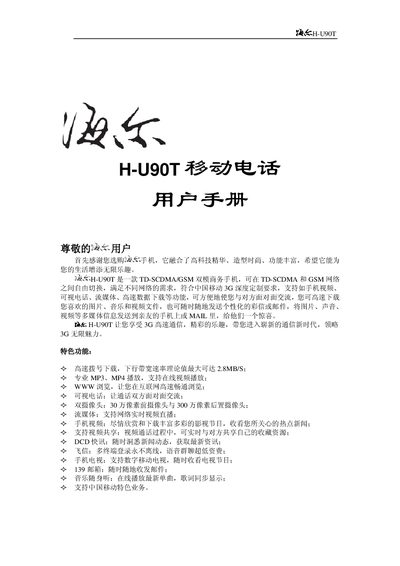
This manual provides step‑by‑step instructions for using the Haier H‑U90T mobile phone, covering basic operations such as powering on/off, making voice and video calls, navigating menus, and managing contacts, messages, and multimedia. It also includes detailed safety notices, battery handling, and maintenance advice.
Additional sections describe network setup, USIM card handling, storage‑card usage, Bluetooth pairing, and PC connectivity. Appendices contain troubleshooting tips, accessory information, and regulatory compliance notes. This manual is written in Chinese.
| Network | TD‑SCDMA/GSM dual‑mode |
|---|---|
| Maximum download speed | 2.8 MB/s |
| Front camera resolution | 0.3 MP |
| Rear camera resolution | 3 MP |
| Supported storage card capacity | Up to 8 GB |
| Battery charging temperature range | -5 °C to 55 °C |
Press and hold the power key to turn the phone on or off; do not power off by removing the battery.
First power off the phone and remove the battery, then insert or take out the USIM card; never insert or remove it while the phone is powered.