
This manual describes the features and use of the PROFIBUS DP bus interface for SIPOS 5 Flash actuators.
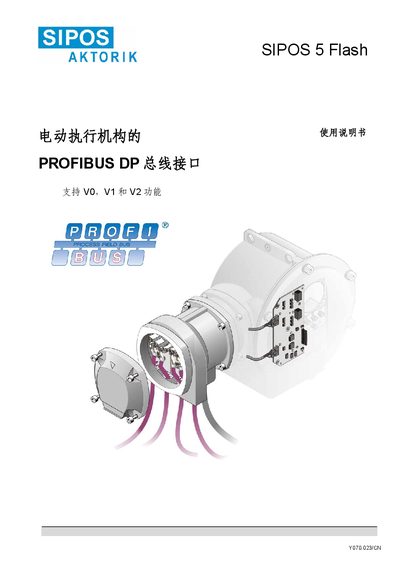
The document provides a complete description of the PROFIBUS DP bus interface for the SIPOS 5 Flash electric actuator, including safety notices, technical parameters, and communication settings. It is intended for use by service personnel and system integrators when planning, installing, commissioning or maintaining the actuator.
Key sections cover safety guidelines, an overview of PROFIBUS‑DP, functional features, electrical specifications, parameter setting via PROFIBUS, diagnostics, and reference documents. The manual also lists GSD files and identification numbers required for configuration in engineering tools. This manual is written in Chinese.
| Supply voltage | Single‑phase AC 220‑230 V, Three‑phase AC 380‑460 V |
|---|---|
| Frequency range | 40‑70 Hz |
| PROFIBUS single‑channel current consumption | max 180 mA |
| PROFIBUS dual‑channel current consumption | max 250 mA |
| Output voltage | 24 VDC, max 60 mA |
| Maximum PROFIBUS cable cross‑section | 1.5 mm² |
| Digital inputs (economy version) | 3 × 24 V DC |
| Digital inputs (professional version) | 4 × 24 V DC |
| Digital outputs (economy version) | 5 outputs |
| Digital outputs (professional version) | 8 outputs |
| PROFIBUS identification number (single channel) | 0x56D |
| PROFIBUS identification number (dual channel) | 0x56E |
The DP slave address is configured through the parameter settings described in the manual.
The single‑channel version uses ID 0x56D and the dual‑channel version uses ID 0x56E.
Yes, a PROFIBUS command can be used to disable the local control unit.