
This manual contains the technical specifications, parts list and service instructions for the AL532 Monitor.
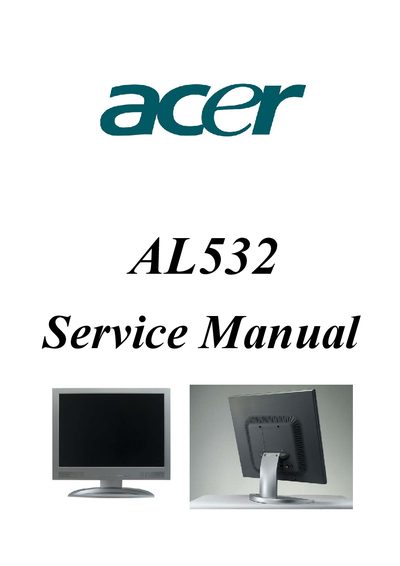
This service manual provides detailed safety warnings, specifications, timing charts, and adjustment procedures for the Acer AL532 monitor. It is intended for qualified service personnel and includes a replacement parts list, block diagram, and schematic diagram.
The document also covers power requirements, connector pin assignments, and troubleshooting hints to help restore normal operation after faults. All instructions assume the monitor has been unplugged and that only trained technicians perform repairs.
| Maximum Resolution | 1024 x 768 @ 75Hz |
|---|---|
| Recommended Resolution | 1024 x 768 @ 60Hz |
| Horizontal Frequency | 31‑60 kHz |
| Vertical Frequency | 56‑75 Hz |
| Screen Size (HxV) | 304.1 mm × 228.1 mm |
| Dot Pitch | 0.297 mm (H) × 0.297 mm (V) |
| Color Support | 16.7 M colors |
| Luminance (White) | 300 cd/m² |
| Power Supply | 100‑240 V AC, 50/60 Hz |
| Maximum Power Consumption | 36 W |
| Connection Type | 15‑pin D‑type |
| Input Signal | Analog RGB, 0.7 Vp‑p / 75 Ω |
| Dimensions (W×H×D) | 418 mm × 421 mm × 188 mm |
The monitor is equipped with a 3‑wire grounding type plug that fits only grounding‑type power outlets.
The monitor can display up to 1024 × 768 pixels at 75 Hz.
It operates from 100 V to 240 V AC, 50 Hz or 60 Hz.