
This product is a converter that allows you to connect the SATA AIT Drive to a computer via USB interface
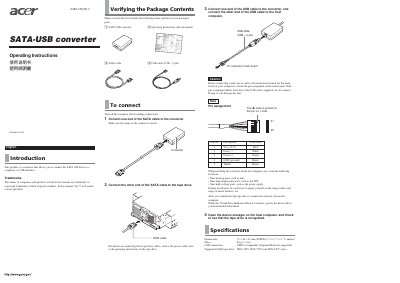
This manual explains how to connect a SATA‑USB converter to a computer and to a SATA tape drive. It covers package verification, cable connections, and the required steps before powering on the system.
Safety precautions for installing the converter inside a computer case are provided, along with a brief specifications table that lists dimensions, weight, USB interface details, and supported tape‑drive models.
| Dimensions | 72 x 46 x 21 mm |
|---|---|
| Mass | 40 g |
| USB connection | USB 2.0 compatible (Suspend Mode not supported) |
| Supported SATA tape drives | SDX-470V, SDX-570V, SDX-870V series |
First connect one end of the SATA cable to the converter, then connect the other end to the tape drive. Next, connect one end of the USB cable to the converter and the other end to the host computer before powering on.
Open the Device Manager on the host computer and check that the tape drive appears in the list of recognized devices.