
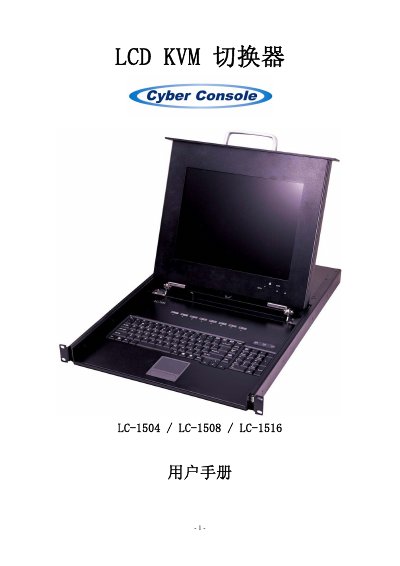
The LCD LC-1504/LC-1508/LC-1516 is a 15‑inch LCD KVM switch that lets one keyboard, mouse and monitor control up to 256 hosts without extra cards or software. It features an on‑screen display (OSD) for easy host selection, hot‑key and mouse control, and supports resolutions up to 1024×768 @ 75 Hz.
The manual provides detailed hardware specifications, wiring diagrams, step‑by‑step installation for single and cascaded configurations, system settings, firmware update procedures, and a troubleshooting guide for common issues such as unresponsive keyboard or mouse. This manual is written in Chinese.
| Display size | 15 inches |
|---|---|
| Screen type | TFT LCD |
| Resolution | 1024×768 @ 75 Hz |
| Contrast ratio | 500:1 |
| Brightness | 250 cd/m² |
| Viewing angle | 130° |
| Response time | 12 ms |
| Color depth | 16.2 M colors |
| Dimensions (W×H×D) | 655 mm × 480 mm × 46 mm |
| Weight | ≈14.5 kg |
| Operating temperature | 5 °C – 40 °C |
| Storage temperature | -20 °C – 60 °C |
| Humidity range | 10 % – 80 % RH |
| Supported host interfaces | VGA, SVGA, XGA, SXGA, Multisync |
| Mouse interface | PS/2 (6‑pin mini‑DIN) |
Restart the host computer; if the KVM is in Auto Scan mode, press [Esc] to exit.
Restart the host computer; if the KVM is in Auto Scan mode, press [Esc] to exit.
For a single KVM, power off the host, disconnect the dedicated cable, power the KVM back on, reconnect the cable, then power the host. For a cascaded KVM, repeat the process on the master and then the slave unit.
Low‑quality cables; use high‑quality KVM‑specific cables.