
WT588D voice prompter user manual, introduces product features, electrical parameters, physical wiring diagram, software operation interface and other contents
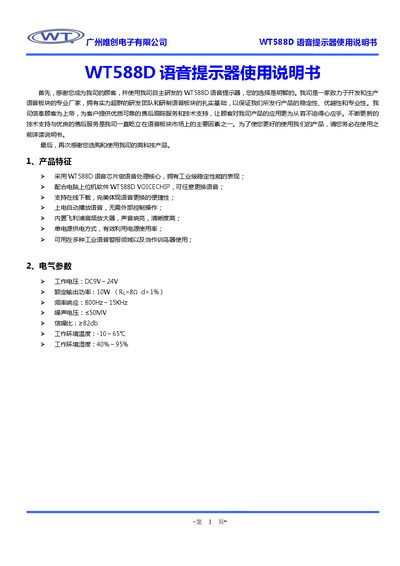
The WT588D voice reminder uses the WT588D voice chip and a built‑in Philips audio amplifier to provide loud, clear alerts in industrial environments. It operates from a single DC supply (9‑24 V) and supports online voice updates via the WT588D VOICECHIP PC software.
The manual guides users through hardware wiring, software installation, project creation, voice loading, button function configuration, compilation to BIN files, and downloading to the SPI‑Flash. It also includes electrical specifications, version history, and contact information for technical support. This manual is written in Chinese.
| Working voltage | DC 9 V – 24 V |
|---|---|
| Rated output power | 10 W (RL=8Ω, d=1%) |
| Frequency response | 800 Hz – 15 kHz |
| Noise voltage | ≤ 50 mV |
| Signal‑to‑noise ratio | ≥ 82 dB |
| Operating temperature | -10 °C – 65 °C |
| Operating humidity | 40 % – 95 % |
It can be powered from a DC supply of 9 V to 24 V.
Run the setup_C.exe file for the Chinese interface (or setup_E.exe for English), follow the wizard by clicking Next, choose the installation path, and finish the installation.
In the software’s audio loading area, right‑click, choose “Load”, select a WAV file with a supported sample rate, and the file will be displayed with its details.