
WT8603M01 is a high-quality audio decoder that supports 8Kbps~320Kbps bit rate MP3 format audio playback. It has functions such as power-on auto playback, single loop, full loop, and random play. It supports SD card and NAND-Flash, with large storage space and long voice time. It supports long-time recording and supports Win98 (requires driver installation) / 2000 / XP / VISTA operating system. The working voltage is DC5V.
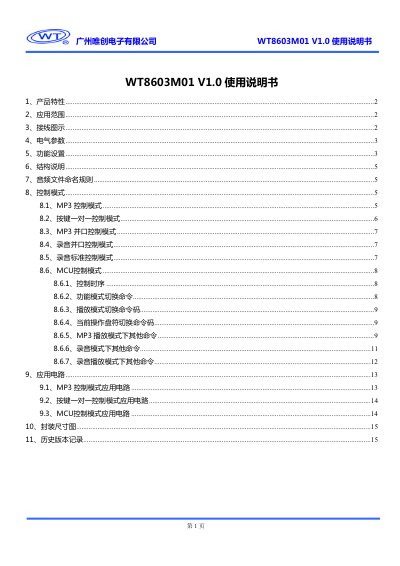
This manual provides a complete overview of the WT8603M01 voice module, including its product features, supported audio formats, storage options, and typical application areas such as home appliances, toys and automotive electronics. It also contains wiring diagrams, electrical specifications, and detailed instructions for configuring the module via a config.txt file.
The document explains the various control modes (MP3, key‑to‑key, parallel, recording, MCU) and lists the command set for volume, playback, mode switching, and file handling. Application circuit examples and a mechanical drawing are included, followed by version history and company information. This manual is written in Chinese.
| Working voltage | DC5V |
|---|---|
| Input voltage | DC5V |
| Working current IOP1 (no load) | 48.5‑51.2 mA |
| Working current IOP2 (Rout=8 Ω) | 62.5‑250 mA |
| Supported audio bitrate | 8 Kbps‑320 Kbps (MP3) |
| Supported storage | SD‑Card 32 M‑2 G, NAND‑Flash 128 M‑2 G |
| File system support | FAT16, FAT32 |
| USB interface speed | Full‑speed USB 2.0 |
Create or edit a file named config.txt and set the "vl" command with a value from 0 to 31; the default value is 31.
Use the "pm" command in config.txt: 0 stops playback, 1 enables single‑track loop, 2 enables all‑track loop, and 3 selects random mode.
Set the "cm" command in config.txt: 0 for MP3 mode, 1 for key‑to‑key mode, 2 for parallel mode, 3 for recording parallel mode, and 4 for recording standard mode.