
This document is the user manual for LG GS102 feature phone, providing information about the phone's functions and usage instructions.
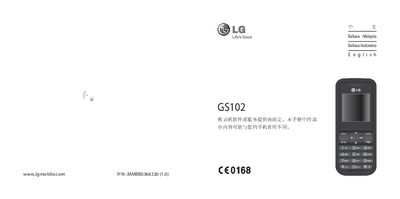
This manual introduces the LG GS102 phone, describing the navigation keys, power button, send key and other hardware controls. It guides you through installing the SIM card, handling the battery, and accessing the main menu.
The guide then covers core functions such as making and receiving calls, adjusting call settings, sending messages, and using the three text‑input modes (T9 predictive, ABC manual, and 123 numeric). Safety warnings and tips for proper handling are also included. This manual is written in Chinese.
Enter the phone number using the keypad and press the call key to start the call.
Press the end/ power key during a call to hang up.
Open the Settings menu, select Call, and enable or disable options like Call Waiting or Call Forwarding.