
This document is the user manual for LG BL40e mobile phone, which introduces the functions and usage of the phone. It also reminds users to operate according to the actual situation of the phone, as the content in the manual may vary from the actual display due to different software and service providers.
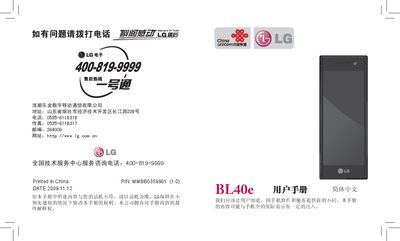
This manual provides step‑by‑step instructions for using the LG BL40e phone, including hardware installation, menu navigation, communication functions, multimedia, and tools. It also contains safety guidelines, battery care, and regulatory information.
The document is organized into sections such as Getting Started, Internal Structure, Installing USIM Card and Battery, Charging, Storage Card, Calls, Messaging, Camera, Music, Settings, and Technical Data, helping users quickly find the information they need. This manual is written in Chinese.
| USIM Card Slot | Present |
|---|---|
| Battery Type | LG original battery only |
| Default Security Password | 0000 |
The default security password is 0000.
No, only LG original batteries and chargers should be used.