
This is a portable scanner that is easy to use and does not require an external battery or AC power.
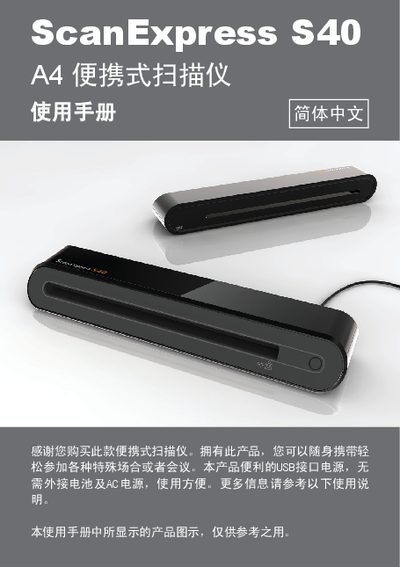
This manual introduces the ScanExpress S40 A4 portable scanner, describing its hardware features, included accessories, and basic operation. It guides users through connecting the USB cable, installing drivers and optional software, and preparing the device for use.
Detailed sections cover scanning procedures with the scan key, using the TWAIN interface on Windows and macOS, adjusting image settings, performing calibration and cleaning, and resolving common issues. Technical specifications and safety notices are also provided. This manual is written in Chinese.
| Optical Resolution | 600 dpi (H) x 600 dpi (V) |
|---|---|
| Maximum Scan Area | 216 x 355 mm |
| Scan Modes | Full color, grayscale, black‑white |
| Scanning Speed (B/W) | 4 ppm (A4) at 300 dpi |
| Scanning Speed (Color) | 2.7 ppm (A4) at 300 dpi |
| Supported Operating Systems | Windows XP/Vista, macOS 10.4‑10.5 |
| Power Consumption | 5 V, 500 mA via USB |
| Dimensions | 293 mm × 63.7 mm × 39 mm |
| Weight | 420 g |
The scanner works with Windows XP, Windows Vista, and macOS 10.4 through 10.5.