
This manual describes the basic use of the ScanExpress S40 Plus A4 Portable Scanner.
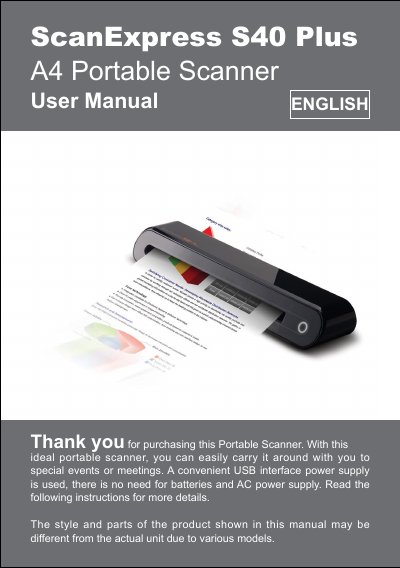
This manual guides users through unpacking, familiarizing with the scanner parts, and installing the required software and drivers on both Windows and Mac systems. Detailed steps cover connecting the USB cable, installing the ScanExpress S40 Plus driver, and optional OCR and PDF tools.
Operating instructions describe how to insert documents, use the ScanExpress Plus panel, adjust TWAIN settings, and perform business‑card scanning. The guide also explains calibration and cleaning procedures, troubleshooting tips, and the technical specifications of the device.
| Interface | USB |
|---|---|
| Supported Operating Systems | Windows XP/Vista/7, Mac OS X 10.4‑10.6 |
| Supported File Formats | JPG, BMP, PNG, TIFF, PDF |
| Power Consumption | USB bus 5 V, 500 mA |
The scanner is powered directly from the USB bus, requiring 5 V at 500 mA.