
ScanExpress S80 Name Card Scanner Quick Start Guide, introducing the scanner's package contents, software installation, hardware installation, calibration and cleaning of the scanner
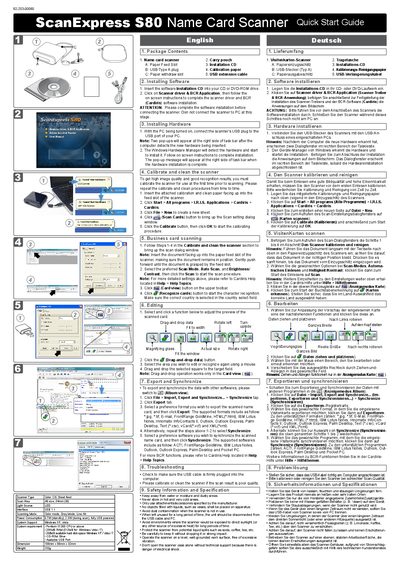
This guide walks you through setting up the ScanExpress S80 name card scanner. It includes steps for installing the driver and BCR application, connecting the USB cable, and calibrating the device with the supplied calibration paper.
After calibration you can scan business cards, edit the captured data, and export or synchronize the results to various software formats. The guide also provides troubleshooting tips and safety information for proper use and maintenance.
| Power consumption (standby) | 0.7 W |
|---|---|
| Interface | USB 1.1 |
| Scanning modes | Color, Gray, Line |
| Dimensions | 108 mm × 89 mm × 32 mm |
| Weight | 153 g |
| System requirement – CPU | Pentium II 300 MHz or above |
| System requirement – RAM | 256 MB (512 MB for Windows Vista/7) |
| System requirement – Hard disk space | 200 MB free |
Insert the installation CD, click on "Scanner driver & BCR Application" and follow the on‑screen instructions before connecting the scanner.
Check that the USB cable is firmly connected and recalibrate or clean the scanner as described in the troubleshooting section.