
This is a user manual for the Olympus SP-510UZ digital camera, which introduces the camera's functions and usage methods.
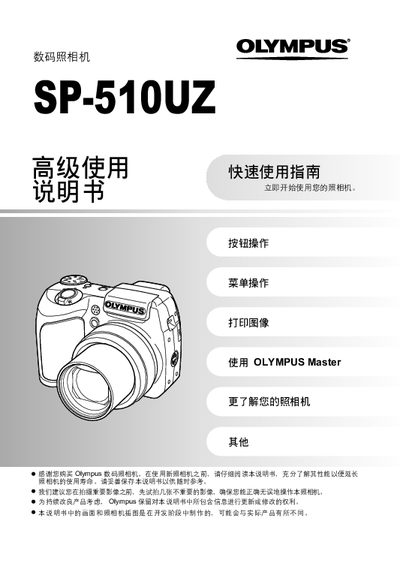
This guide introduces the basic operation of the Olympus SP-510UZ digital camera. It explains button functions, how to select shooting modes, set date and time, and adjust basic settings.
It also describes how to print images directly from the camera, transfer photos to a computer using the Olympus Master software, and provides additional tips for using advanced features such as scene modes, flash, and custom functions.
| Effective pixel count | 7,100,000 pixels |
|---|---|
| Image sensor | 1/2.5" CCD |
| Lens focal length | 6.3 – 63.0 mm |
| Aperture range | f/2.8 – f/3.7 |
| Shutter speed | 15 – 1/1000 sec |
| LCD screen | 2.5" TFT, 115,000 pixels |
| Storage media | xD-Picture Card (16 MB – 1 GB) |
| Power source | 4 × AA alkaline or NiMH batteries or Olympus AC adapter |
| Dimensions | 105.5 mm × 74.5 mm × 70.0 mm |
| Weight | 325 g (without battery and card) |
Press the POWER button (marked “o”) to turn the camera on; press the same button again to turn it off.
Select the Print Image function from the menu to print captured photos without a computer.
Connect the camera to a computer with the USB cable and use the Olympus Master software to copy and save the images.