
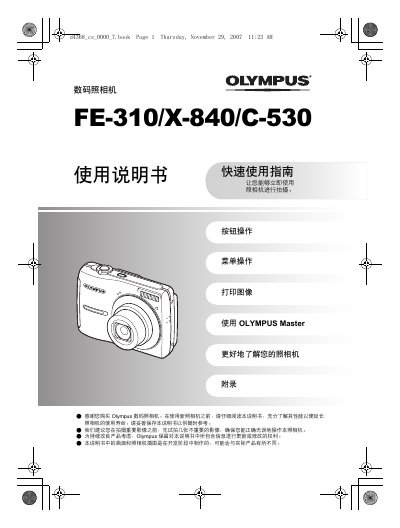
This user manual is designed to help you understand and operate your Olympus digital camera effectively. It includes a quick start guide for immediate use, detailed instructions on button operations, and explanations of menu settings to help you capture better images.
The document covers essential topics such as setting the date and time, taking still images and recording animations, reviewing and deleting images, and printing directly via PictBridge. It also provides a comprehensive index and technical specifications for the device. This manual is written in Chinese.
| Effective Pixels | 8,000,000 pixels |
|---|---|
| Imaging Sensor | 1/2.5" CCD (8,400,000 pixels total) |
| Lens Focal Length | 6.2 to 31.0 mm (equivalent to 35mm 37-185mm) |
| Shutter Speed | 4 to 1/2000 seconds |
| LCD Screen | 2.5" TFT Color LCD, 154,000 dots |
| Storage Media | Memory xD-Picture Card (16 MB – 2 GB) |
| Dimensions | 93.0 mm (W) x 61.7 mm (H) x 30.5 mm (D) |
| Weight | 140 g (excluding battery and card) |
The camera has an effective pixel count of 8,000,000 pixels.
The camera supports xD-Picture Cards with a capacity of 16 MB to 2 GB.
You can print images directly by connecting the camera to a PictBridge compatible printer using the USB cable.