
This document is a quick reference manual for the Data Projector produced by Sony Corporation, specifically the VPL-CX20 and VPL-CS20 models. It provides safety instructions, usage guidelines, and contact information for technical support. The product features include the use of eco-friendly materials, lead-free soldering, and the absence of halogenated flame retardants.
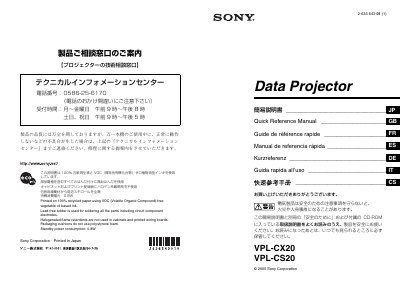
This quick reference manual explains how to connect the Sony VPL-CX20 and VPL-CS20 projectors, display images from a computer or video/DVD equipment, adjust the image, and turn the projector off. It also describes precautions for the intake and exhaust vents and explains how to read the operating instructions on the supplied CD-ROM.
The guide includes lamp replacement instructions for the Sony projector lamp LMP-C162, including cooling time, cover removal, and handling precautions. This manual is written in Japanese.
| Replacement lamp | LMP-C162 |
|---|---|
| Standby power consumption | 0.8 W |
| Computer video input | HD D-sub 15-pin cable |
| AV connection adapter | Sup 15-pin cable (supplied) |
| Video connection options | Composite video, S-Video, and component |
| Required software for CD-ROM manual | Adobe Acrobat Reader 5.0 or later |
| Lamp cooling time before replacement | More than 1 hour after turning off the power |
Insert the CD-ROM into the computer's drive and select the manual you want to read. If it does not start automatically, open the index.htm file, or choose a manual from the Operating_Instructions folder.
Adobe Acrobat Reader 5.0 or later is required. If Adobe Acrobat Reader is not installed, it can be downloaded from the Adobe Systems website at no charge.
Use the Sony projector lamp LMP-C162, which is sold separately. Using another lamp may cause equipment failure.
Wait more than 1 hour after turning off the power and unplugging the power cord before replacing the lamp, because the lamp becomes very hot.