
This is the instruction manual for the Sony digital camcorder DSR-PD190P, which introduces the various features of the machine, including installing the microphone, preparing the power supply, setting the date and time, loading the tape, shooting, playing, editing, customizing your camcorder, and Memory Stick operation
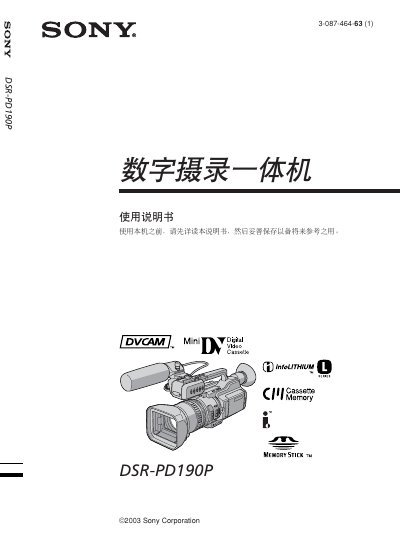
This Sony DSR-PD190P manual is for the digital videography all-in-one device. It describes the device’s use before operation, warnings, controls, and basic capture steps.
The text also covers playback, recording functions, Memory Stick operations, and other device information. It notes the DVCAM and DV formats. This manual is written in Japanese.
The camcorder uses DVCAM and DV format cassette tapes.
Use the supplied rechargeable battery pack when using the camcorder outdoors.
Press START/STOP to begin recording, and press it again to stop recording.
Open the EJECT cover, insert the cassette with the write-protect tab facing up, and press the PUSH button to close the cassette holder.