
The document provides instructions for the safe use, installation, and cleaning of the SyncMaster series monitors. It also highlights the features and characteristics of the products.
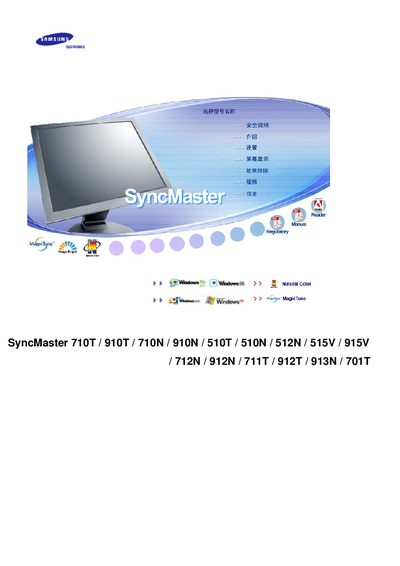
This manual provides operating instructions for the Samsung SyncMaster series of LCD monitors. It explains how to power the display, use the OSD menu, adjust brightness, and configure MagicBright settings.
The document also includes safety and environmental information, such as TCO certification, recycling procedures, and guidelines to prevent image retention (burn‑in) by using screen savers and power‑off intervals. This manual is written in Chinese.
| Screen size options | 15" (1024×768), 17"/19" (1280×1024) |
|---|---|
| Operating temperature range | -40 °C to +70 °C |
| Relative humidity | 10 % – 95 % non‑condensing |
Contact a local Samsung dealer or the listed recycling companies in your region as described in the environmental section.