
This is the user manual of ViewSonic VG2030wm LCD Display
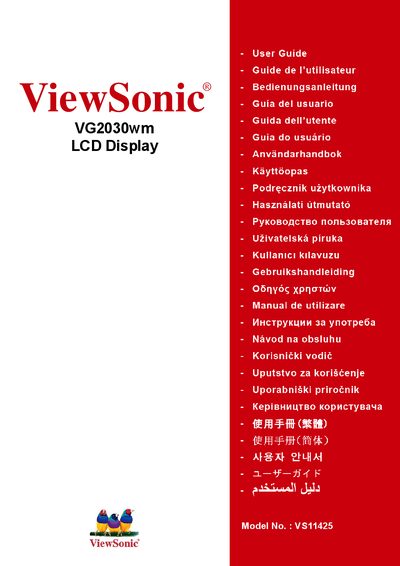
The ViewSonic VG2030wm is a 20-inch LCD display designed with TCO'03 environmental and quality standards. The document provides guidance on setting up the monitor, including wall mounting and height adjustment, as well as configuring display modes and image settings.
It includes essential safety warnings, regulatory compliance information for FCC and CE, and instructions for maintaining the LCD panel to ensure optimal performance and user safety. This manual is written in Chinese.
| Screen Size | 20" |
|---|---|
| Model Number | VS11425 |
The package includes the LCD display, power cord, audio cable (stereo mini-jack), D-Sub cable, optional DVI cable, ViewSonic CD, and a Quick Start Guide.
You should sit at least 18" away from the LCD display.