
ViewSonic G220f/fb User Guide, this is a 21-inch monitor user manual, which includes product registration, packaging contents, precautions, quick installation, using the monitor, setting the timing mode, adjusting the screen image, main menu, controls, other information, specifications, troubleshooting, customer support, cleaning the monitor, limited warranty and other content.
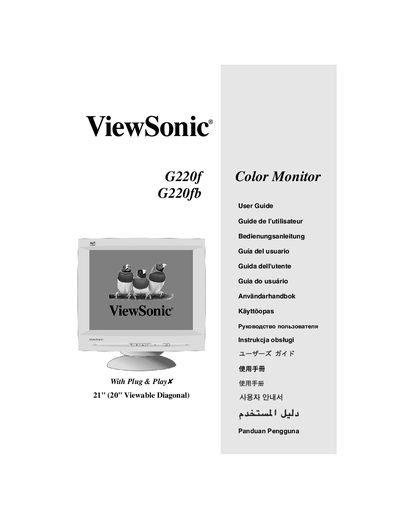
This user guide walks you through registering your ViewSonic G220f/G220fb color CRT monitor, installing the power and video cables, and configuring display settings such as resolution and refresh rate. It also explains how to use the OnView® control panel and Main Menu to fine‑tune image parameters like contrast, brightness, and geometry.
Safety precautions, warranty information, and compliance details for the United States and Europe are included, along with a troubleshooting section that helps you resolve common issues such as image distortion or power problems.
| Screen size | 21" (20" viewable) |
|---|---|
| Supported resolution | VESA 1600 x 1200 @ 75 & 85 Hz |
| Input signal | RGB analog (0.7/1.0 Vp‑p, 75 Ω) |
| Power voltage | AC 90‑264 V (auto‑switch) |
| Power consumption | 115 W typical, < 4 W standby |
| Weight | 27.0 kg (59.4 lb) |
| Dimensions (W×H×D) | 500 mm × 508 mm × 488 mm |
Visit www.viewsonic.com and fill out the online registration form with your product’s serial number.
Use a NEMA 5‑15 style cord that is UL listed for the US market.
Open the Main Menu, select the Contrast/Brightness control, and use the arrow buttons to increase or decrease contrast.