
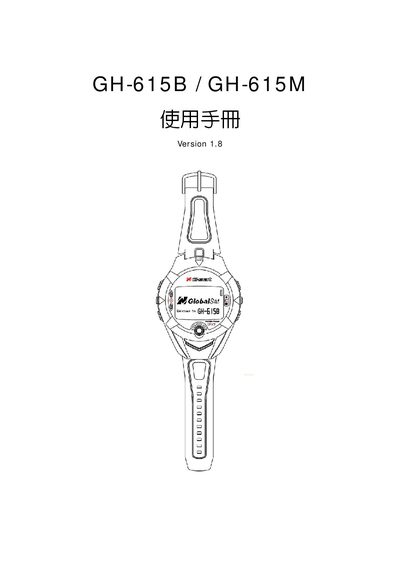
The GlobalSat GH-615B and GH-615M are wrist‑mounted outdoor GPS devices that provide location tracking and heart‑rate monitoring. They feature a black‑and‑white LCD, a 5 V USB interface, and support WAAS‑enabled positioning.
This Quick Start Guide covers basic setup, USB connection, PC utility usage, troubleshooting of COM‑port errors, and FCC compliance information.
| GPS band | L1, 1575.42 MHz |
|---|---|
| Chiprate | 1.023 MHz |
| Channels | 20 channel all‑in‑view tracking |
| LCD resolution | 80 × 120 pixels |
| Dimensions (B × W × H) | 24.9 × 39.88 × ? mm |
| Weight | 86 g (estimated) |
Use the Mini‑USB connector (up to 333 mA) to link the device to the PC, then run the PC Utility software.