
Key facts
- Manuals
- 1
- Languages
- EN
- Last added
- 2011-10-14
Featured GH-615B manuals
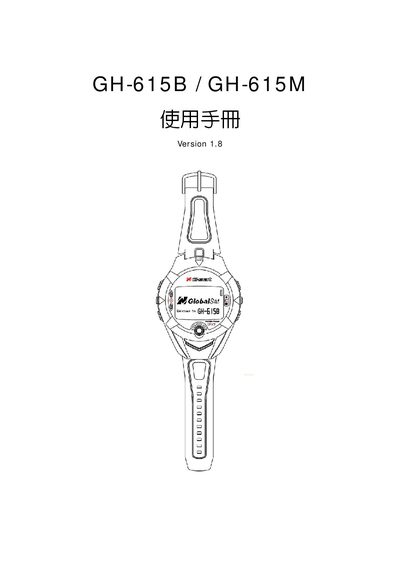
GlobalSat GH-615B / GH-615M GPS Quick Start Guide
The GlobalSat GH-615B and GH-615M are wrist‑mounted outdoor GPS devices that provide location tracking and heart‑rate monitoring. They feature a black‑and‑white LCD, a 5 V USB interface, and support WAAS‑enabled positioning.
This Quick Start Guide covers basic setup, USB connection, PC utility usage, troubleshooting of COM‑port errors, and FCC compliance information.
Covers: Quick Start Guide · USB Interface · PC Utility · Troubleshooting · Specifications · FCC Notice
Latest GH-615B manuals
GlobalSat GH-615B / GH-615M GPS Quick Start Guide
Quick Start Guide 52 pages · 3.2 MB · ENThe GlobalSat GH-615B/GH-615M GPS Quick Start Guide provides basic setup, operation, and troubleshooting information for the wrist‑outdoor GPS device.
Which document do I need?
Quick Start Guide
The shortest path to a working setup, usually only a few pages.
Questions answered in GH-615B manuals
How do I connect the GH‑615 to a computer?
Use the Mini‑USB connector (up to 333 mA) to link the device to the PC, then run the PC Utility software.