
This document describes the basic functions and usage instructions of the GXP280 phone, including keyboard functions, call feature codes, and call operation methods.
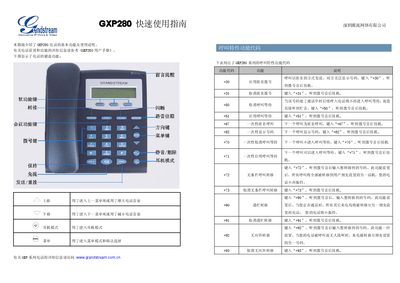
This quick start guide introduces the basic operation of the Grandstream GXP280 phone, including the keyboard layout and the most common call feature codes such as anonymous dialing, call waiting and call transfer. It points users to the full user manual for detailed configuration.
The guide also describes how to place and receive calls, use call transfer (blind and attended), three‑way conference, voicemail, mute, and Do‑Not‑Disturb functions, as well as the three programmable soft‑function keys on the LCD display. This manual is written in Chinese.
| Soft Function Keys | 3 |
|---|
Dial *30 and hang up after hearing the dial tone.
Press the transfer key, dial the destination number and press send for a blind transfer, or press the transfer key, call the third party and then press the transfer key again for an attended transfer.
During a call, press the conference key, dial the third party’s number, and press the conference key again to merge all three calls.
Press the mute key while on a call; press it again to unmute.