
XCG camera user guide, introduces the characteristics and use of the product.
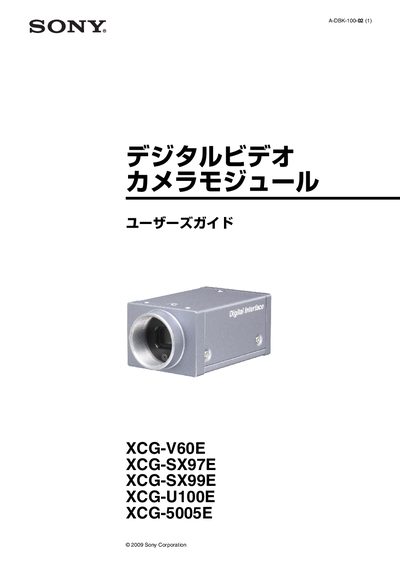
This manual provides the warranty terms, safety precautions, and operating instructions for Sony's XCG-V60E, XCG-SX97E, XCG-SX99E, XCG-U100E, and XCG-5005E digital video camera modules. It includes details on system configuration, connector pin assignments, and recommended power and network setups.
The guide also describes CCD‑specific phenomena, trigger and frame‑rate settings, and mounting procedures, helping users achieve optimal image quality and reliable performance in industrial vision applications. This manual is written in Japanese.
| Interface | 1000BASE‑T |
|---|---|
| GigE Vision compliance | Version 1.0 |
| XCG‑V60E sensor | 330,000 pixels, 900 fps |
| XCG‑SX97E sensor | 1.45 M pixels, 16 fps |
| XCG‑SX99E sensor | 1.45 M pixels, 27 fps |
| XCG‑U100E sensor | 2.2 M pixels, 15 fps |
| XCG‑5005E sensor | 5 M pixels, 15 fps |
| Power input | DC IN, 12 V |
| Recommended power supply | DC‑700, ripple‑free |
| Operating temperature range | 0 °C to 40 °C |
The warranty provides free repair for three years after purchase.
Use a stable, ripple‑free DC‑700 supply connected to the DC IN terminal.
Ensure that no laser beam illuminates the CCD surface during imaging.
Use a CAT5e or higher LAN cable that supports 1000BASE‑T.