
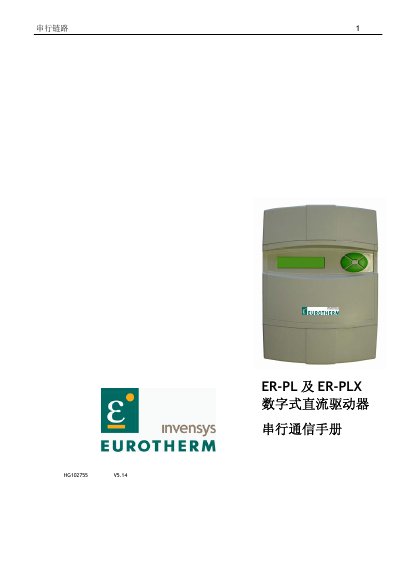
This 5.14 edition of the serial communications manual describes the ASCII serial communications link and Fieldbus functions available on Eurotherm ER-PL and ER-PLX digital DC drives. It is intended to be used with the main product manual for the drives.
The manual covers the RS232 serial port and its use, parameter and master-slave exchange modes, ASCII communications, and the ER-PL PILOT and SCADA packages. It also covers Fieldbus configuration and PROFIBUS, including LED indications. This manual is written in Chinese.
| Serial port | RS232 |
|---|---|
| Maximum machines per serial line (SCADA package) | 100 |
| Maximum drives per line (ER-PL PILOT) | 10 |
The drives are fitted with an RS232 serial port as standard, and it can be used in several modes.
Install a USB-to-RS232 converter on the computer, such as the Belkin F5U120, and check the assigned COM port before setting up the communications software.
ER-PL PILOT can support up to 10 drives on each line and can access their parameters, connections and diagnostics.
It also describes FIELDBUS functions.